top of page




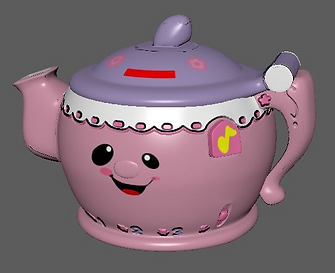
Tools Used
-Autodesk Maya
-Adobe Photoshop
-Adobe Illustrator
Learning to Create a Tea Pot
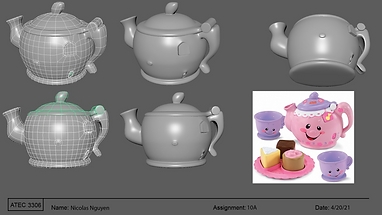
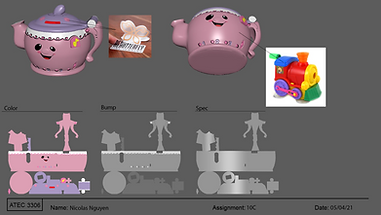
In this class, students learn the the importance of the role of a texture artist and modeler, basics of 3D modeling, and texturing the models with the 3D modeling program known as Autodesk Maya. The last assignment has students pick a tea pot to use as reference. The goal is to recreate the reference tea pot using the modeling process of planning, proxy model, and adding fine details to the model, as well as adding texture using bump maps, color maps, and specular map.
3D Modeling and Texturing
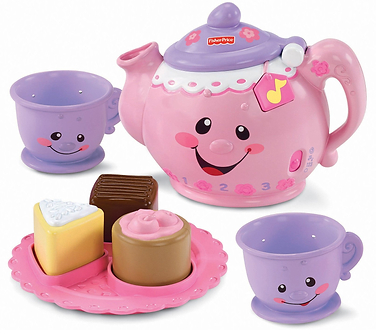
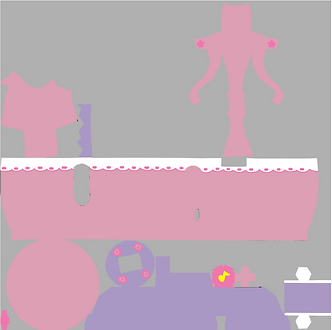
-Using the Fisher-Price Teapot as a reference on the left, I created the color map and floral designs to match the positioning of the actual tea pot as close as possible
bottom of page